


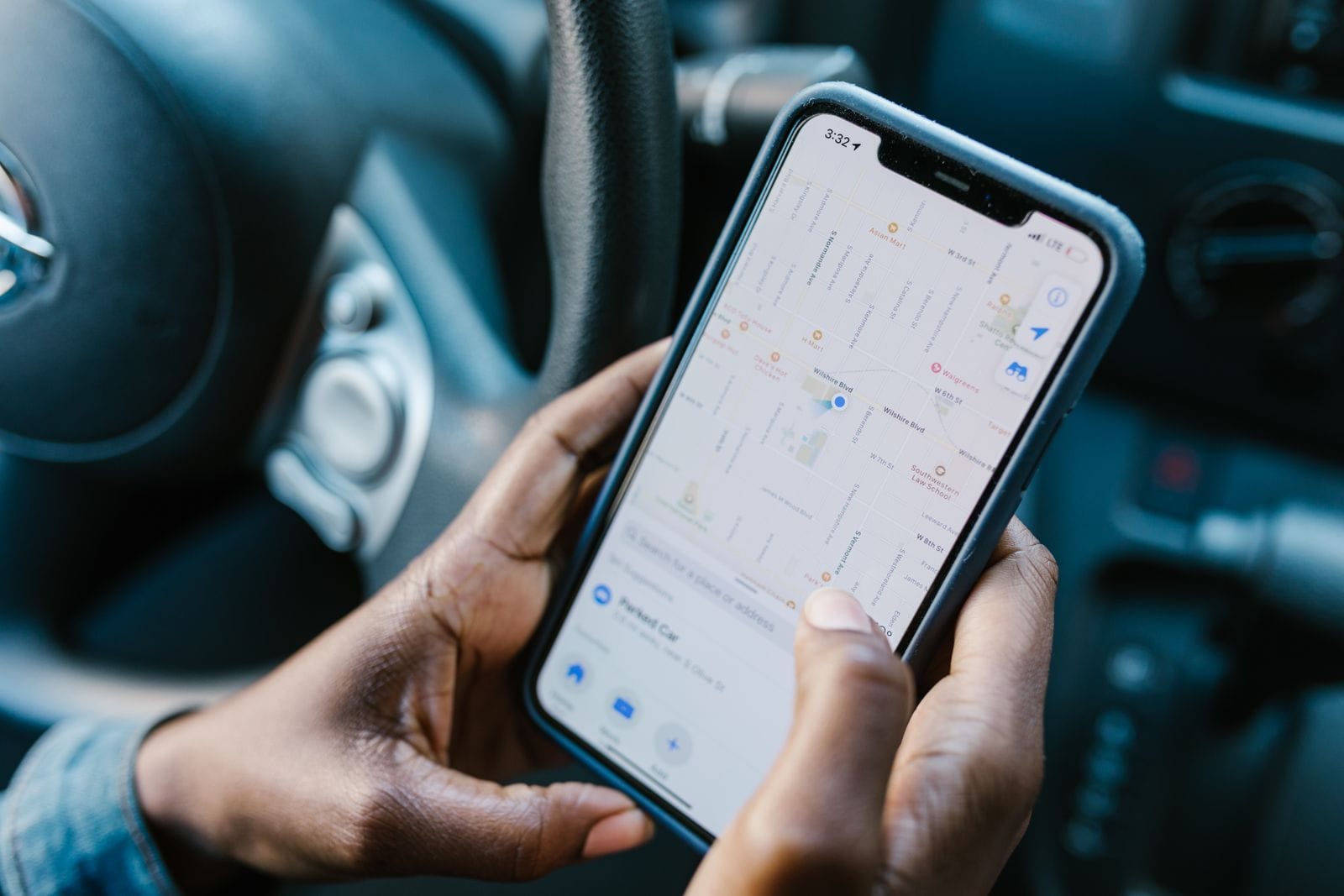
Booking through Google is easy to set up: add a link to your own online booking page in your Google Business Profile. Customers who look up your business in Google Search or Maps then click straight through to your booking module. They book directly with you, with no platform in between.
Think about how people find a restaurant, venue or activity. They type your name or “restaurant near me” into Google, look at your photos, opening hours and reviews, and then want to know right away whether there is room. If they can’t find out, they scroll on.
Your Google Business Profile: the new front door
For many businesses, the Google Business Profile gets more visitors than the website itself. So make sure it is complete and up to date:
- Correct opening hours, including public holidays and closing days
- Recent photos of your business, your space or your dishes
- A short, clear description
- Your phone number and website address
- A link to your booking page
How to set up booking through Google
- Make sure you have an online booking page, ideally on your own website.
- Sign in to your Google Business Profile.
- When editing your profile, look for the field for a booking or appointment link.
- Paste the link to your booking page there.
- Test the link yourself through Google Search and Maps, on your phone.
Google changes its menus regularly, so the name of the field may differ. If you can’t find it, search Google’s help pages for “add booking link to Business Profile”.
Why link to your own website?
When a customer books through a large booking platform, you often pay a commission per guest and the customer ends up in that platform’s database. With a link to your own booking page, the customer stays yours and you keep the revenue. Read more about a booking system with no commission.
Use your reviews too
A full calendar often starts with good reviews. Ask happy customers to leave a review, for example in a follow-up email after their visit. Reply to reviews as well, positive and negative. It shows new customers that you care.
Frequently asked questions
Does booking through Google cost anything?
Adding a link to your own booking page to your Google Business Profile is free. You only pay for your own booking system.
Does this also work for venues and activities?
Yes. Any business with a Google Business Profile can add a link to a booking page, whether you run a restaurant, venue, sports facility or workshop.
Where does the booking button appear?
In your Business Profile in Google Search and Google Maps, usually next to the other buttons such as directions and call.
Your own booking page, ready for Google
With Reservatio you get an online booking module for your own website. You paste that link into your Google Business Profile, so customers can book and pay straight away, with 0% commission. See all Reservatio features.
Want to try it yourself? Try Reservatio free for 14 days, no credit card needed.