






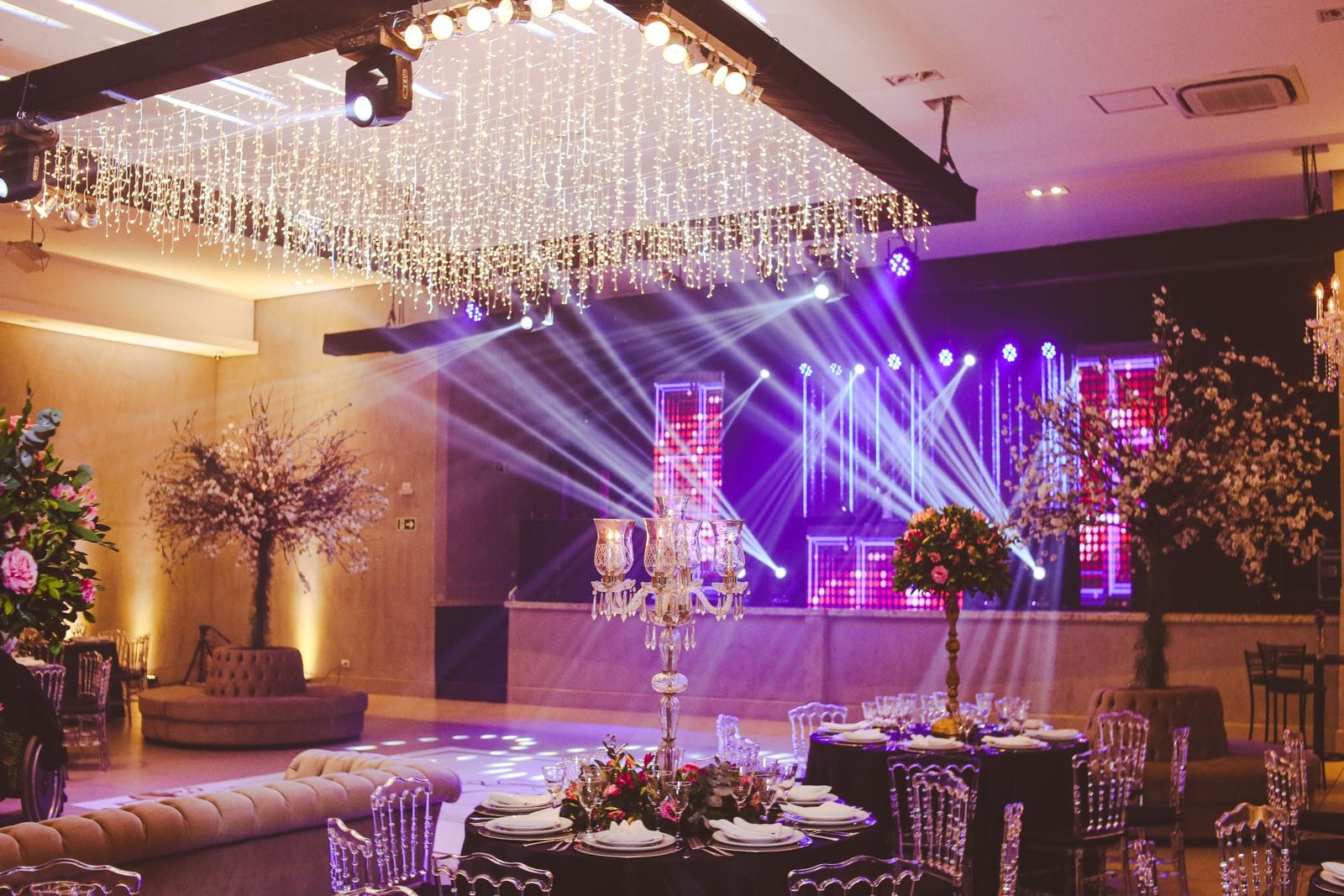
Online venue booking means customers choose a free date and time slot on your website themselves, pay straight away or leave a deposit, and automatically receive a confirmation. No more back-and-forth emails about availability, and no double bookings.
If you rent out a meeting room, party venue or multi-purpose hall, those email exchanges take a lot of time. An online booking system takes most of that work off your hands.
Why online venue booking pays off
A request by email or phone often goes like this: the customer asks if the room is free, you check your calendar, you send a price, the customer hesitates, and meanwhile someone else asks for the same date. With online booking, the customer sees right away what is free and secures the date themselves.
- Less admin. Confirmations, invoices and reminders go out automatically.
- No double bookings. A booked slot disappears from the calendar immediately.
- Bookings in the evening too. Many requests come in after office hours. Online, the customer can book right away.
- Certainty through a deposit. People who pay show up or cancel in time.
Which spaces can you offer for online booking?
Basically any space you rent out by the hour, half day or day:
- Meeting rooms and coworking spaces
- Party venues and event halls
- Multi-purpose halls of associations or municipalities
- Studios for workshops, yoga or photography
- Sports halls and padel courts
What should a venue rental system offer?
Renting out a room is different from booking a table. Pay attention to these points:
- Flexible time slots. By the hour, half day or day, with a minimum or maximum duration.
- Set-up and clean-up time. A buffer before and after each booking, so the next customer gets a tidy room.
- Options and extras. Projector, catering, coffee or extra chairs that the customer can book along with the room.
- Online payment or deposit. Via Bancontact or Payconiq, with clear cancellation terms.
- Multiple locations or rooms. Each room with its own calendar and prices.
- Your own branding. The booking page should look like your website.
Online venue booking: how to set it up
- Create a page per room with capacity, photos, price and available hours.
- Set up the time slots and the buffer between two bookings.
- Add options, such as catering or equipment, with their price.
- Choose whether the customer pays straight away, leaves a deposit or pays on site.
- Write out your cancellation terms clearly.
- Put the booking module on your website and share the link in your emails and on social media.
Frequently asked questions
Can I still approve bookings myself?
That depends on the system. If you want to know who is renting your room first, choose a system where bookings come in as a request that you confirm.
What if a customer needs the room for longer?
If the next slot is free, you can extend the booking and charge the difference. Agree in advance how you handle this and put it in your terms.
Can I set different prices for weekdays and weekends?
That is common in venue rental, for example higher on Saturday evening than on Tuesday afternoon. Check whether your system allows prices per room and per time slot.
Rent out your venue without the email ping-pong
With Reservatio, customers book your rooms themselves via your own website: with time slots, options, online payment via Bancontact and Payconiq, automatic confirmations and 0% commission on your bookings.
Want to see how it works for your venue? Try Reservatio free for 14 days, no credit card needed.